
Safe use of an online editorial system with controlled access to individual modules, functionalities and content, with an elaborate hierarchy of editorial rights and roles, is the basis of every serious editorial application today. Rights and roles, however, require an additional dimension of rules when the editorial system uses a large number of editors at the same time.
With the implementation of 3 key types of rights, which follow each other according to the hierarchy and the scope of rights, we distinguish administrator, editorial and general user rights. For individual modules, however, additional control over accessibility is enabled with individual roles. A transparent review of usage and editorial activity is ensured by the audit trail module, which provides completely controlled editorial policy.
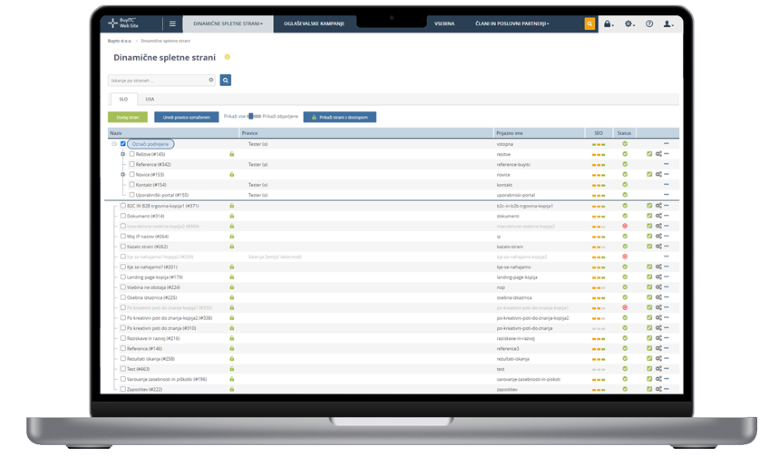
Editorial system users can now be assigned the following roles separately for the management of each individual website:
- Owner: Has access and all rights to one of the relevant pages.
- Access: The user has access and the ability to edit the website settings. Anyone with these rights also has access to the PUBLISH and WITHDRAW functions in the page list. These users can also set rights in the page settings.
- Copying: The right that the user can see and use the page copying function.
- Move: The right that the user can see and use the function to move page in a navigation structure.
- Archiving: The right that the user can see and use the page archiving function.
- Editing pages and content: The right for the user to see and use all functionalities in the editorial layout (including changing the structure of the website, copying and combining individual elements).
Content editing: On the layout, the user can only see and use the functionalities for editing the content and editing the properties of the element (CSS settings).
Prvomajska ulica 30
2000 Maribor
Slovenia